 HabitLoop
To-dos next to your habits, and an inbox for stray thoughts
HabitLoop keeps tasks with due dates, repeats and subtasks next to your habits on Today, and a Capture inbox saves stray thoughts in seconds to sort later.
Habits are the things you do again and again. Tasks are the things you do once, or once a month: renew the passport, buy oat milk, call the plumber. Keeping them in two apps means checking two lists every morning. HabitLoop puts both on the same Today screen, and adds a quick Inbox for the thoughts that arrive at the worst possible moment.
Tasks, the full version
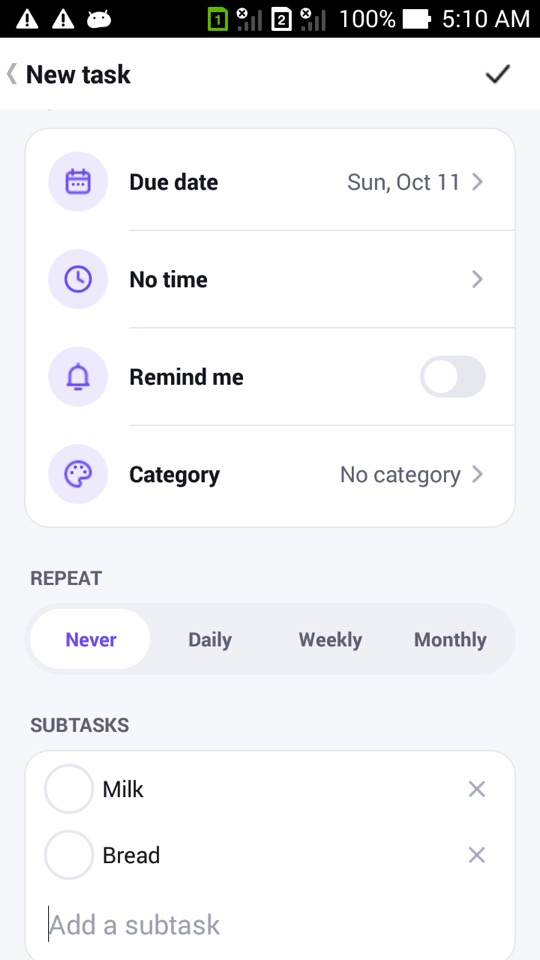
The Tasks tab is a proper to-do list, not an afterthought. Each task can have:
- a due date and an optional time
- a reminder, with the same Done and Snooze actions as habit reminders
- a repeat: Never, Daily, Weekly or Monthly. Monthly tasks on the 31st land on the last day of shorter months.
- a priority, shown as a coloured flag
- a category, the same categories your habits use
- subtasks, each with its own check box
- up to five tags, such as #home or #admin, which become filter chips at the top of the Tasks tab
The Tasks tab groups everything into overdue, today, upcoming, no date and completed. A Matrix view sorts open tasks into four boxes: do first, schedule, delegate and later. Important means medium or high priority; urgent means due by tomorrow or overdue.
Habits and tasks on one Today
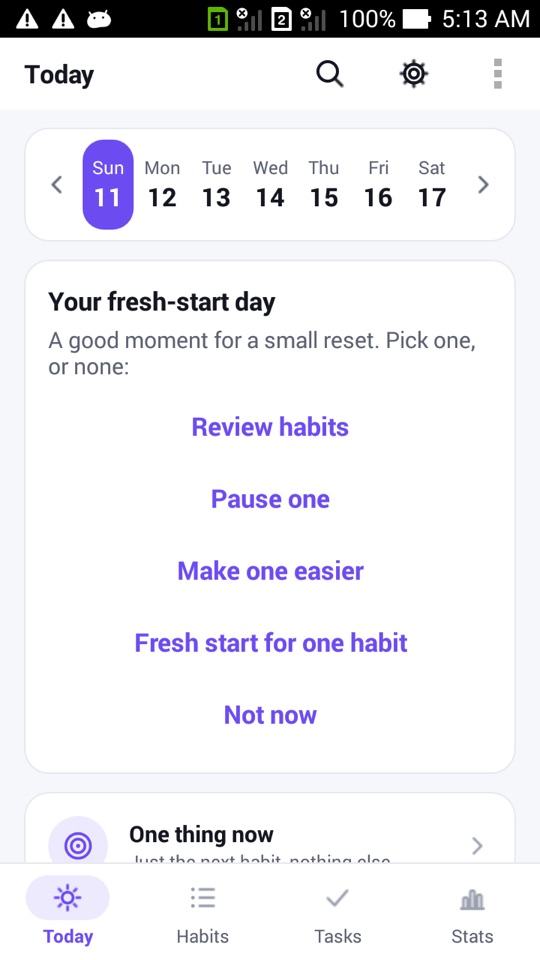
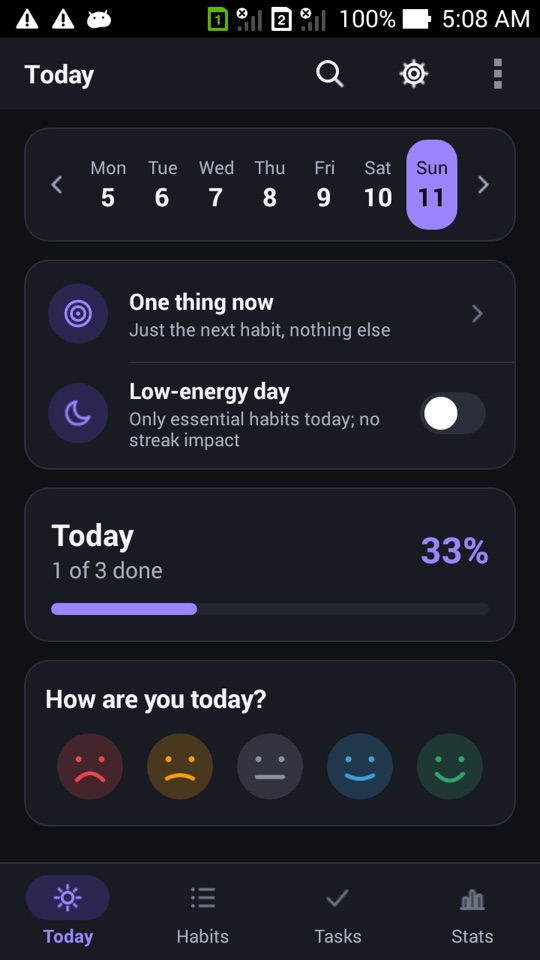
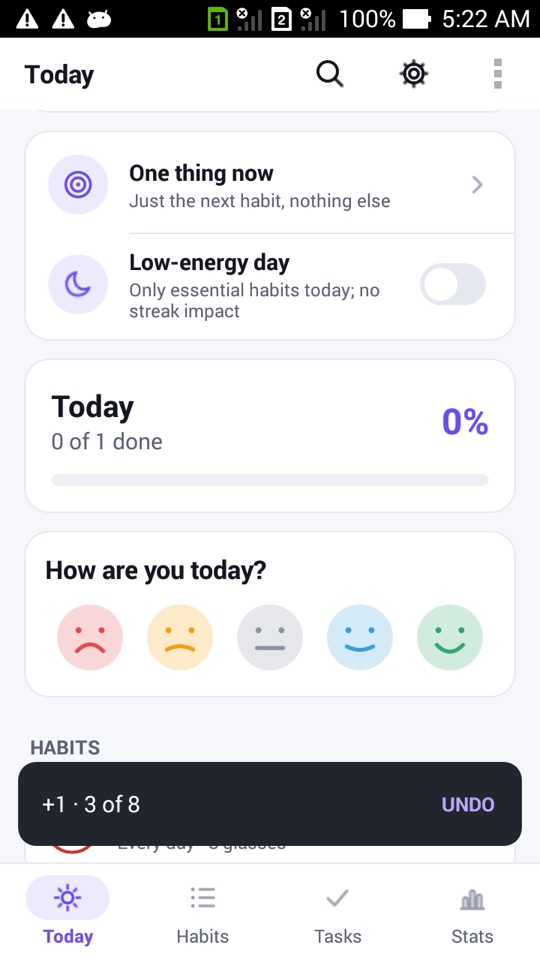
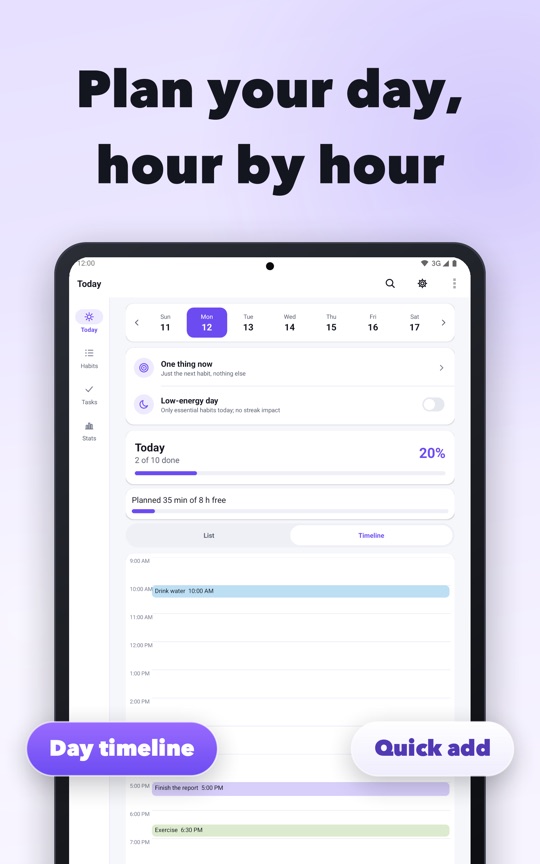
Today shows the day's due habits and the day's tasks together, under a week strip you can swipe to look back or plan ahead. A task added while you're looking at a future day gets that day as its due date by default. Checking a task off shows a short Undo, and finished tasks count toward the day's progress.
A few extras for people who live in their to-do list:
- Focus on this task runs HabitLoop's focus timer on a task, and the minutes appear in focus stats.
- Search in the top bar finds tasks, habit names and notes, with matches highlighted.
- Add tasks to calendar (off by default) puts tasks into a local "HabitLoop" calendar on your phone, so they show in your calendar app. Deleting a task removes its event.
- Tasks are included in exports, and you can export an ICS calendar file.
The Capture inbox
Here's the problem with most to-do apps: by the time you've opened the app, tapped add, picked a date and a category, the thought is gone. HabitLoop's Inbox separates catching a thought from organising it.
There are several ways to drop something into the Inbox without opening a form:
- Share text from any app (a message, a web page, a note) and choose Add to HabitLoop inbox.
- Select text anywhere and pick "Add to HabitLoop inbox" from the selection menu (Android 6 and newer).
- Long-press the app icon and use the Capture shortcut (Android 7.1 and newer).
- Turn on the Capture notification: a quiet notification you can type into from anywhere. On Android 7 and newer you type straight into the notification; on Android 4.4W to 6 it opens a one-line box. It isn't available on Android 4.3, where sharing works instead.
Captured items have no date and wait in the Inbox. Today shows a small "3 to sort" strip when something is waiting.
Sorting takes one tap
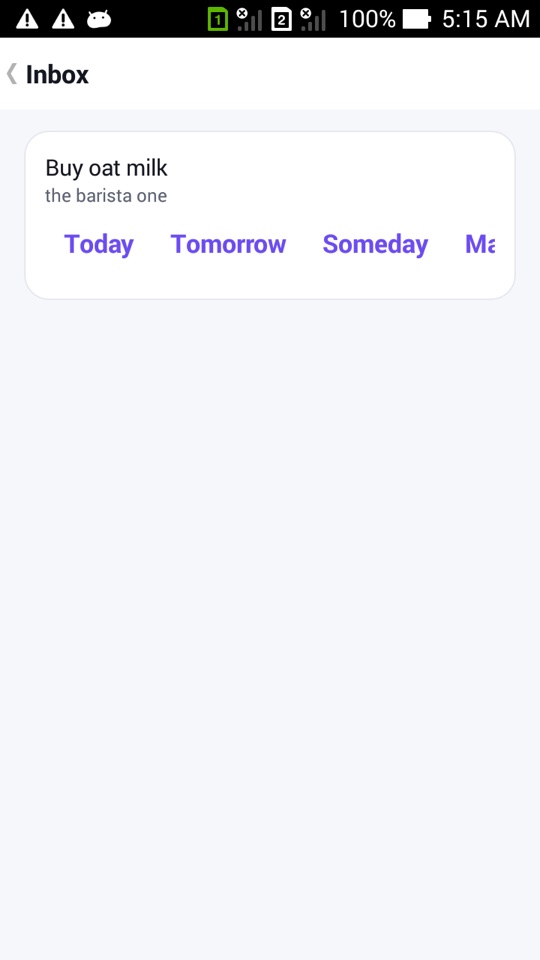
Each Inbox item has four buttons:
- Today: becomes a task due today
- Tomorrow: becomes a task due tomorrow
- Someday: becomes a task with no date
- Make it a habit: opens the habit editor with the text filled in
Two small details: if the same text is captured twice within five seconds (a double tap on share, say), the second copy is ignored. Long shared text keeps a short title, and the rest goes into the note.
How to capture a thought and sort it later
- In any app, select some text or open the share menu.
- Choose Add to HabitLoop inbox in the selection menu or the share sheet. You'll see "Added to Inbox".
- Later, open HabitLoop. Today shows how many items are waiting to sort.
- Tap the strip to open the Inbox.
- For each item, tap Today, Tomorrow, Someday or Make it a habit.
- Open the Tasks tab to add a time, reminder, tags or subtasks to the new task if you need them.
FAQ
Can a task repeat?
Yes. Choose Daily, Weekly or Monthly under Repeat. Monthly tasks set on the 29th to 31st move to the last day of shorter months.
Does sharing text to HabitLoop send it anywhere?
No. HabitLoop has no internet permission. Shared text is saved in the app's own database on your phone.
Can I capture on Android 4.3?
Yes, through the share sheet. The text-selection menu needs Android 6 and the Capture notification needs Android 4.4W or newer.
Do tasks show up in my calendar?
Only if you turn on Add tasks to calendar in Settings. Tasks then appear in a local "HabitLoop" calendar on the phone, not in an online calendar account.