 HabitLoop
Every N days, X times in N days: schedules that fit real life
HabitLoop schedules go beyond daily: specific weekdays, N times a week or month, every N days, X times in N days, plus tap counters and "at most" limits.
Not every good habit is a daily one. Plants need water every few days. A runner might aim for three runs in any ten-day stretch, not on fixed weekdays. Some habits are about doing less: no more than two coffees. If your tracker only understands "every day", it either nags you on days that don't matter or marks perfectly good weeks as failures.
HabitLoop has a set of schedules and targets meant to describe what you actually want to do.
The schedule options
When you create or edit a habit, the Frequency setting offers:
- Every day
- Specific weekdays, for example Monday to Friday
- N times per week, for example 3 times per week, on whichever days you like
- N times per month
- Every N days: a fixed rhythm, counted from the day you set the schedule. N can be 2 to 30.
- X times in N days: a rolling window, for example 3 times in 10 days. It doesn't reset on Mondays or on the 1st; it always looks back over the last N days.
The schedule decides when a habit is due, and that flows through everything else: Today only lists it on due days, reminders fire on due days, and streaks and the habit score treat non-due days as neither done nor missed.
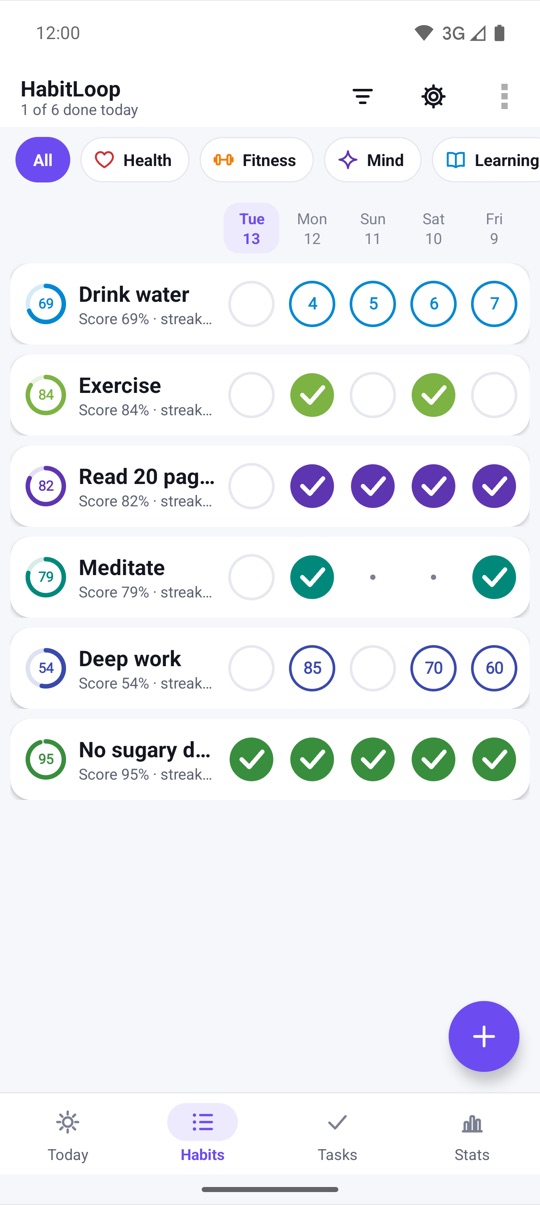
Every N days vs. X times in N days
These two look similar but behave differently:
- Every 3 days is a rhythm. If you set it on a Monday, the habit is due Monday, Thursday, Sunday and so on. Good for things with a natural cycle: watering plants, changing a contact-lens case, a long run.
- 3 times in 10 days is a quota. Any three days inside the last ten count. Good for things you want to do regularly but not on a fixed beat.
If you're moving from Loop Habit Tracker, HabitLoop keeps these schedules when it imports your backup.
Counter check-ins: tap, tap, tap
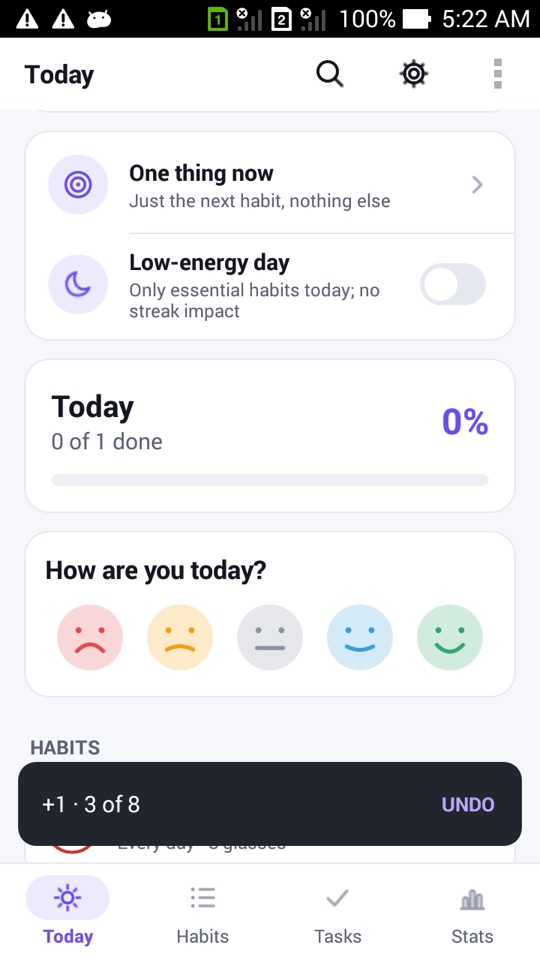
Measurable habits have a target and a unit, for example 8 glasses of water. Typing a number each time is tedious, so a measurable habit can use counter check-ins: in the habit editor, set "Each tap on Today adds" to a step, such as 1.
From then on:
- each tap on the Today row adds one step, and a snackbar confirms it ("+1 · 3 of 8")
- Undo removes only the last tap, not the whole day
- a long-press on the row opens the value editor if you want to type a number
- the reminder notification and the Today widget row get a + button, so you can log a glass without opening the app
Each tap is stored with its own time, so the day's value is the sum of your taps.
At most and Exactly
Some habits are limits, not goals. For daily measurable habits you can choose the target mode:
- At least (the default): the day is done when you reach the target.
- At most: the day is done when you stay at or under the target. A day with nothing logged counts as 0, so it's done. Going over shows red on Today and breaks the streak.
- Exactly: the day is done only when you hit the target.
With "At most", the score and heatmap are flipped the right way round, so a good day looks good.
Duration units
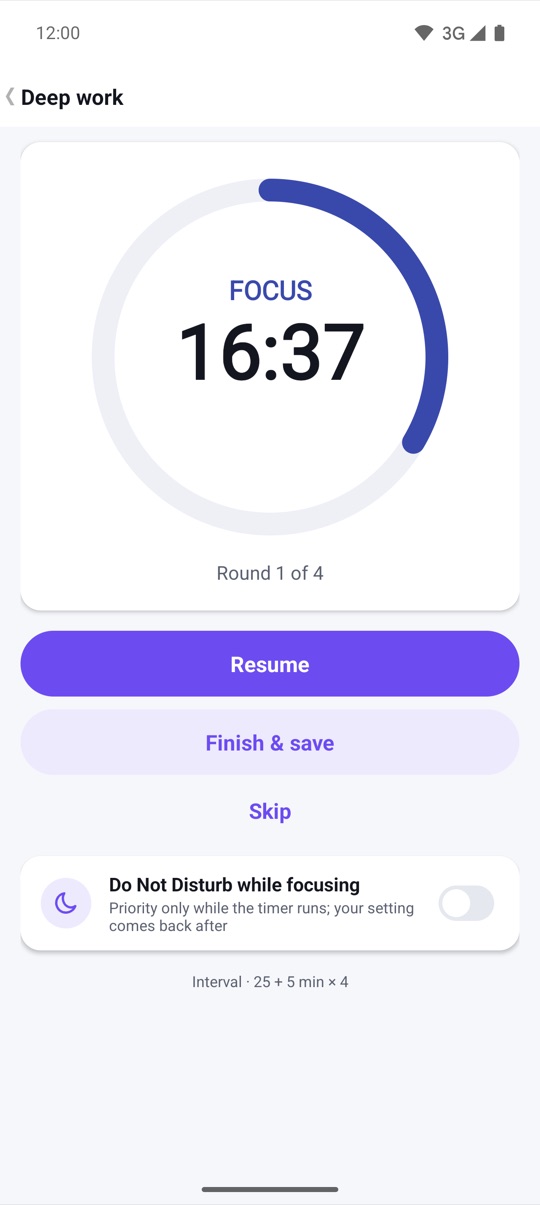
A measurable habit can count time instead of a plain number. You enter values as hours and minutes, and they show as 1:15 or 45′. The focus timer fills these habits in automatically when you finish a session.
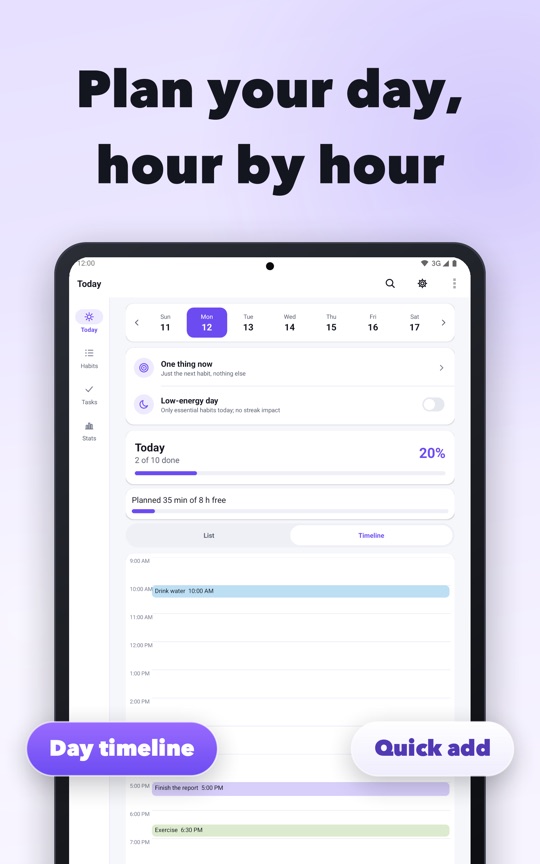
How to set up an "every N days" habit
- On the Habits tab, tap + to create a habit (or open an existing one and tap the pencil icon).
- Choose the type: Yes / No for a simple done/not done, or Measurable for a count.
- Under Frequency, choose Every N days.
- Enter the cycle length, for example 3. The cycle starts on the day you save.
- Optionally add a reminder; it will only fire on due days.
- Save with the check mark. Today now lists the habit only on its due days.
For a rolling quota, choose X times in N days in step 3 and enter both numbers instead.
FAQ
What happens if I do an "every 3 days" habit a day late?
The rhythm stays anchored to the day you set the schedule, so the next due day doesn't move. If you want a habit that only cares about how often, not which days, use X times in N days instead.
Do planned off days and vacations work with these schedules?
Yes. Paused days are neither due nor missed for every schedule type, so they don't break streaks or lower the score.
Can I use "at most" on a weekly habit?
Not at the moment. At most and Exactly are for daily measurable habits.
Do these schedules work on my Wear OS watch?
Not yet. The watch app keeps its own standalone habits with simpler schedules. Every N days, X times in N days, counters and limits are phone features for now.