 HabitLoop
A focus timer for every habit
HabitLoop gives each habit its own stopwatch, countdown or Pomodoro timer that keeps running in the background and logs the minutes for you.
Some habits are about doing a thing at all: take your vitamins, make the bed. Others are about doing it for long enough: practise guitar for 20 minutes, read for half an hour, do 90 minutes of deep work. For the second kind, HabitLoop puts a timer right on the habit, so starting the clock and logging the result are one flow instead of two apps.
Three timer modes
Each habit can have one of three timer modes, set in the habit editor:
- Stopwatch counts up until you stop it. Good for open-ended sessions like reading.
- Countdown counts down from a time you choose, for example 10 minutes of stretching.
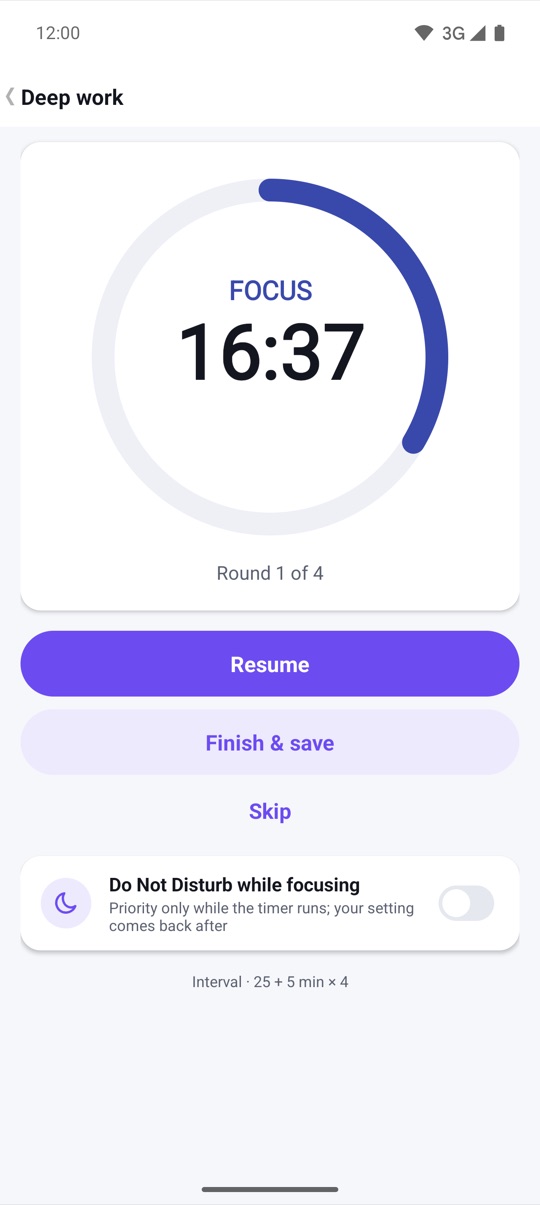
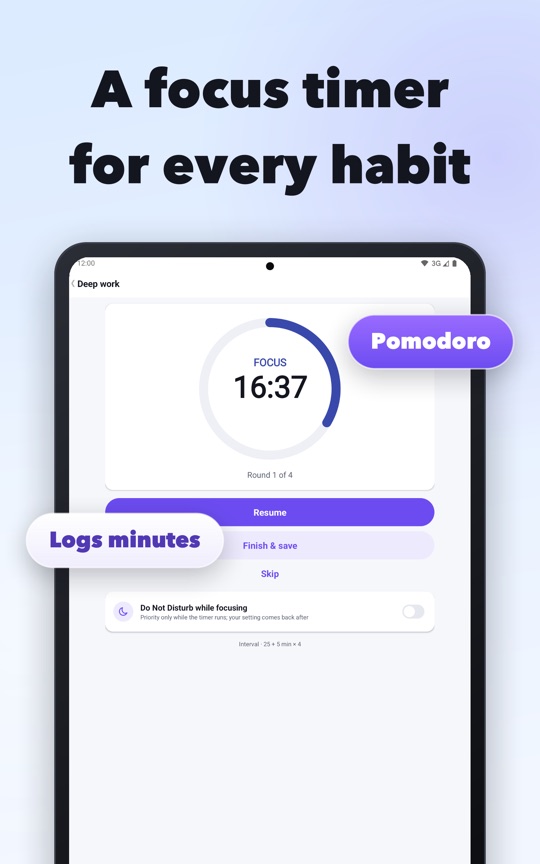
- Interval runs work and break phases for a number of rounds, in the Pomodoro style. The default is 25 minutes of work and 5 minutes of break, four times.
On Today, a habit with a timer shows a play button at the end of its row. Tap it and the timer screen opens with a large ring, the time left, the phase (Focus or Break) and the round.
It keeps running when you leave the app
A focus timer is no use if it dies when you switch apps. HabitLoop runs the timer as a foreground service with an ongoing notification, so Android keeps it alive while you work. What the notification looks like depends on your Android version:
- Android 16 and newer: a Live Update with one segment per focus and break phase, markers at round boundaries, and a small time chip. Android decides whether to promote it to the status bar.
- Android 7 to 15: a progress bar with a live countdown.
- Android 4.3 to 6: a progress bar with the time as text.
The timer is stored as clock anchors and saved every few seconds, so it survives the app being closed by the system. If your phone restarts mid-session, HabitLoop posts a "Resume timer?" notification and restores the session paused at the last save. Phase changes use an exact alarm where Android allows it; if exact alarms are not allowed on your phone, Settings shows a row explaining that.
Minutes are logged for you
When a session ends, tap Finish & save. If the habit is measurable and counts minutes, the work minutes are added to that day automatically. A habit like "Deep work, 90 min" fills up as you finish sessions, and the Today row shows the progress. For a yes/no habit, finishing a session simply marks it done for today.
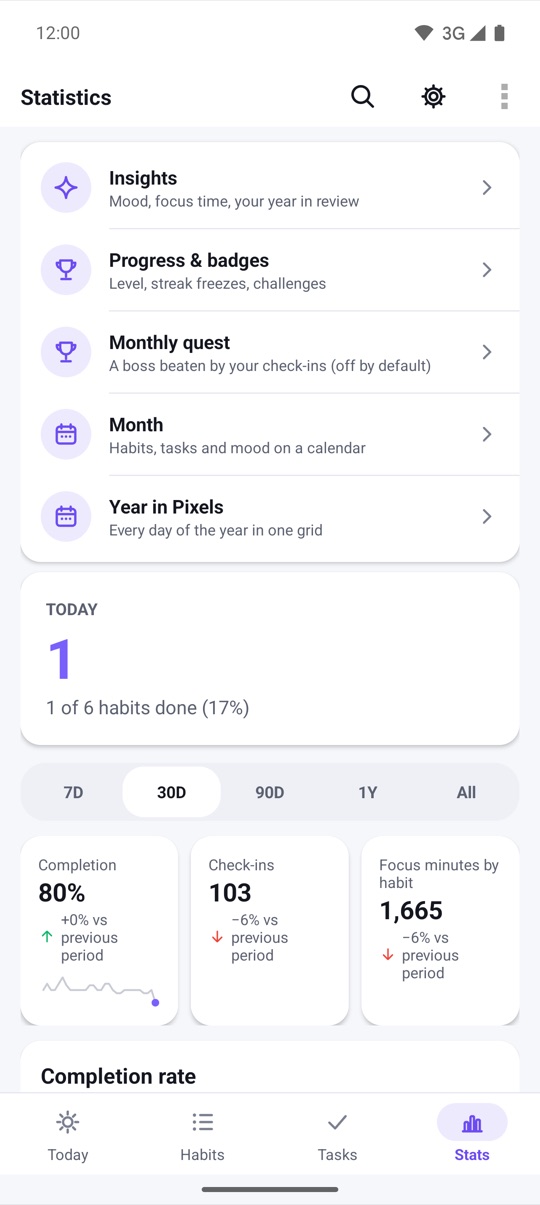
Focus minutes also feed the statistics. The Stats tab shows focus minutes by habit next to completion and check-ins, and Insights has a focus-minutes-per-day chart for the last week or month.
Start a timer from anywhere
You don't have to open the habit first:
- A Quick Settings tile called "Focus timer" starts, pauses and resumes the timer from the notification shade (Android 7 and newer).
- A Start focus shortcut appears when you long-press the app icon (Android 7.1 and newer).
- A small Focus home-screen widget starts it with one tap, on every supported Android version.
- Focus on this task runs the same timer for a one-off to-do, and the minutes show up in focus stats by task.
Optional extras
A few switches make the timer quieter or easier to follow. Each one is off until you turn it on:
- Do Not Disturb during focus (Android 6 and newer, after you grant access): priority-only notifications during work phases. The previous setting is restored when you pause or finish.
- Spoken timer cues say "Focus" or "Break" in the app language, using the phone's offline voice. If no offline voice is installed for your language, the app offers to install one and uses beeps until then.
On your wrist
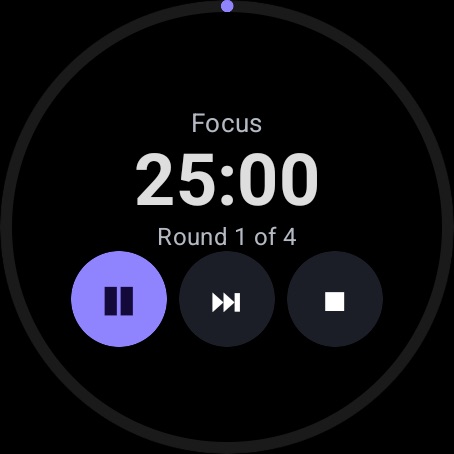
The Wear OS app has its own Pomodoro timer: 25 + 5 minutes, four rounds, with start, pause, skip and end. It shows a timer chip on the watch face while it runs, and buzzes at each boundary: one pulse for a break, two to go back to work, three at the end.
How to set up a Pomodoro habit
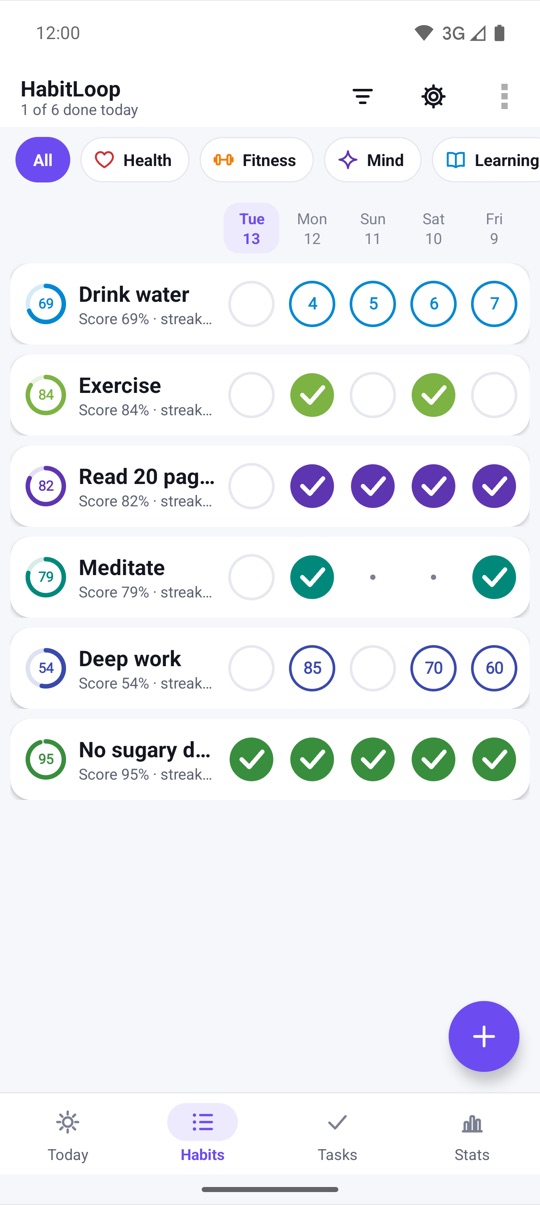
- On the Habits tab, tap + to create a habit, for example "Deep work".
- Choose Measurable, set the unit to minutes and a daily target such as 90.
- In the timer section, choose Interval and set work minutes, break minutes and rounds (25, 5 and 4 by default).
- Save the habit. It now shows a play button on Today.
- Tap the play button to start. Leave the app if you like; the notification keeps the time.
- When you're done, tap Finish & save. The work minutes are added to today's value.
FAQ
Does the timer keep running if I lock my phone?
Yes. It runs as a foreground service with an ongoing notification. If Android closes the app anyway, the session is restored from its last save when you reopen HabitLoop.
Do I need Android 16 for the timer?
No. The timer works on Android 4.3 and newer. Android 16 adds the Live Update style in the notification shade; older versions show a progress bar instead.
What counts as focus minutes when I use intervals?
Only the work phases are logged. Break time is not added to the habit.
Can I time a task instead of a habit?
Yes. Open a task and choose Focus on this task. The minutes appear in focus stats by task rather than on a habit.